Home · Blog · Scan a QR to donate USDT to stray dogs (spay-neuter)
GuideUSDT: Using a QR code for spay and neuter care for stray dogs

This guide explains how donors can use USDT to support spay and neuter care for stray dogs. Check the current payment details and the team’s needs before making a transfer.
Choose the asset and network
The donation page offers separate USDT options for Ethereum ERC20 and TRON TRC20. Choose the option that matches the withdrawal network in your wallet or exchange. Copy or scan the address from that specific option. Compare the fee and the amount that will arrive.
Using the QR code
- Open the current donation page and select the intended asset and network before scanning.
- Scan the displayed QR code with your wallet. The code supplies the wallet address; you must still check the asset, network and amount.
- Compare the scanned address with the published address and review the fee on the final confirmation screen.
- Keep the transaction identifier after sending. Scanning a QR code or copying an address does not itself transfer funds.
How this donation can support animal care
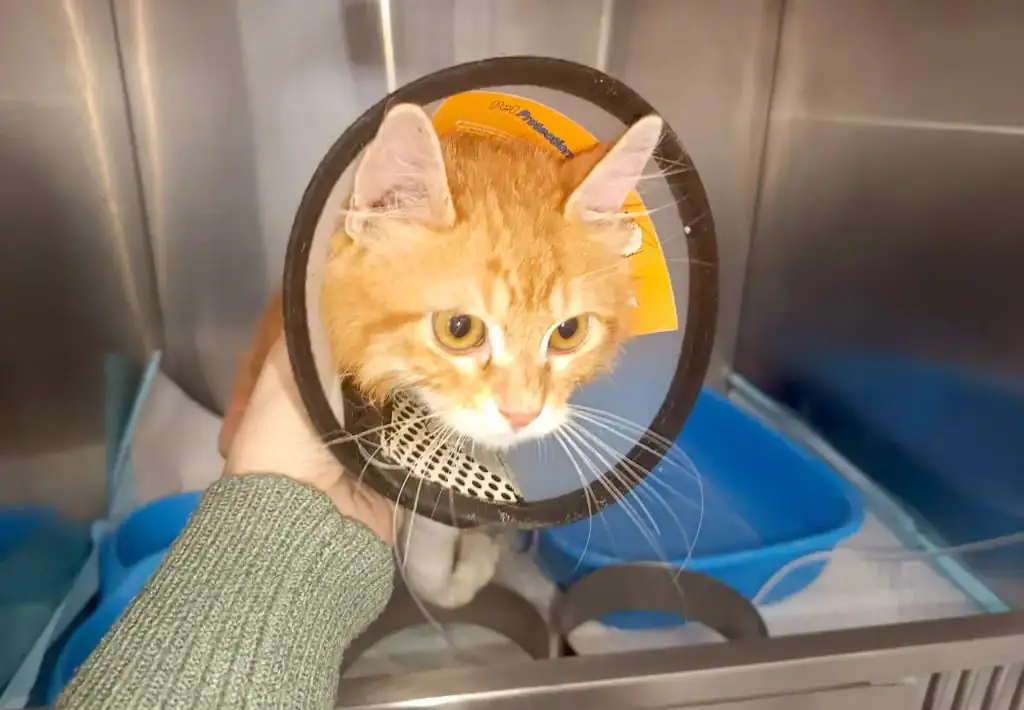
Spay and neuter work includes veterinary assessment, treatment and recovery care. Availability and costs depend on the animals and the team’s current arrangements. Contact the team about planned work before making a donation for a specific activity.


Keep a useful donation record
Save the asset, network, amount, date and transaction identifier. Check whether the provider has submitted the transfer and whether the receiving network has confirmed it. Processing times and fees vary; there is no guaranteed completion time.
A blockchain record shows a transfer. It does not by itself show how funds were spent or serve as a tax-deductible donation receipt. Contact the team about receipts, reporting or a restricted gift before sending if those details matter to you.